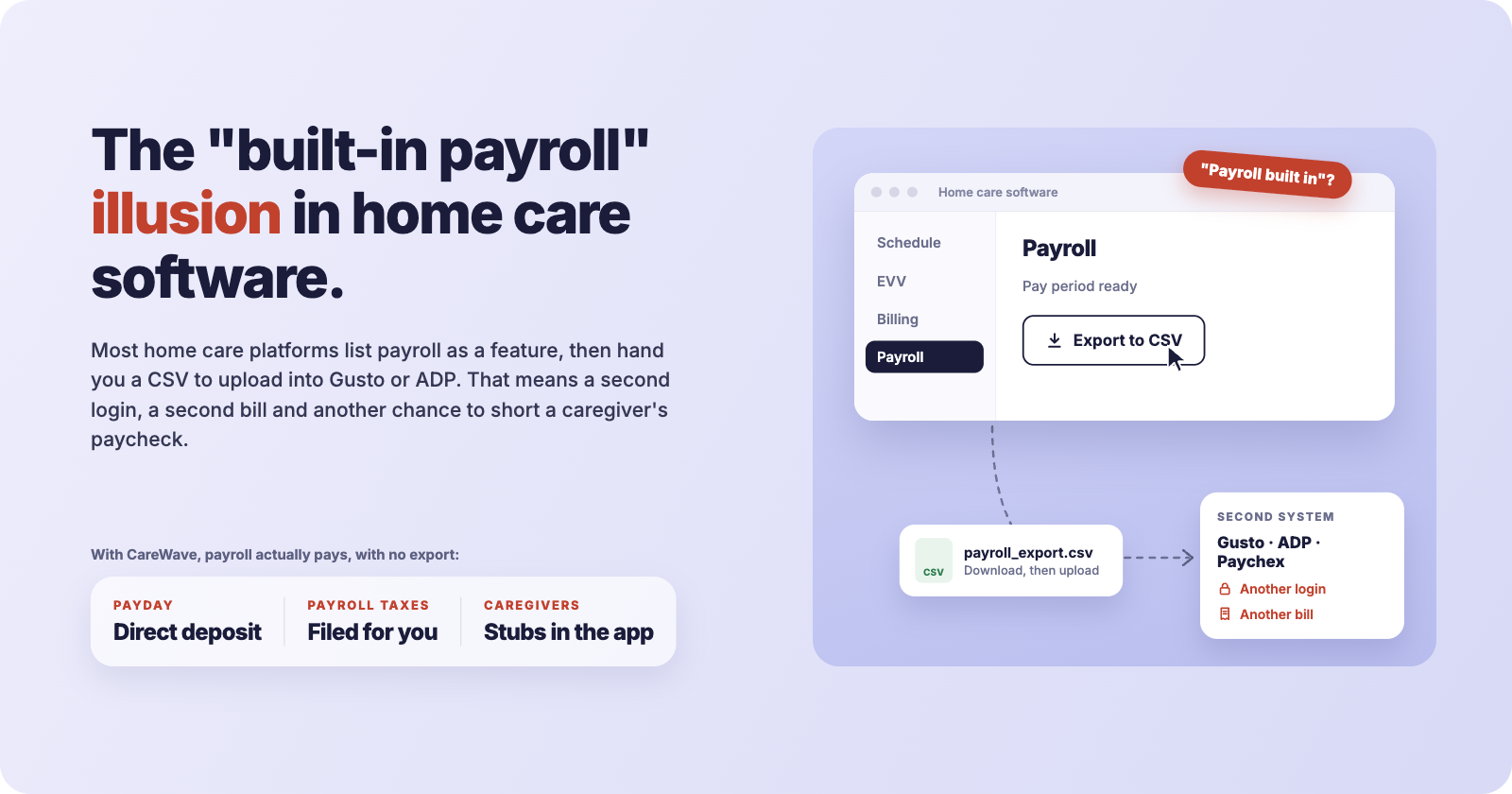
Open almost any home care software website and you will see the word "payroll" on the features list. Sign the contract, get to your first pay period, and many agency owners find out what it really means: a button that downloads a spreadsheet.
That file then goes to Gusto, ADP, Paychex, QuickBooks Payroll or whoever runs your checks. Someone in your office uploads it, fixes the rows that didn't map, re-enters the rates that didn't carry over, checks the overtime by hand, and hopes it all matches what the scheduler showed.
That is not built-in payroll. That is a timesheet report with a better name.
What "payroll" usually means on a feature list
When a home care platform says it "has payroll," it typically means one of three things:
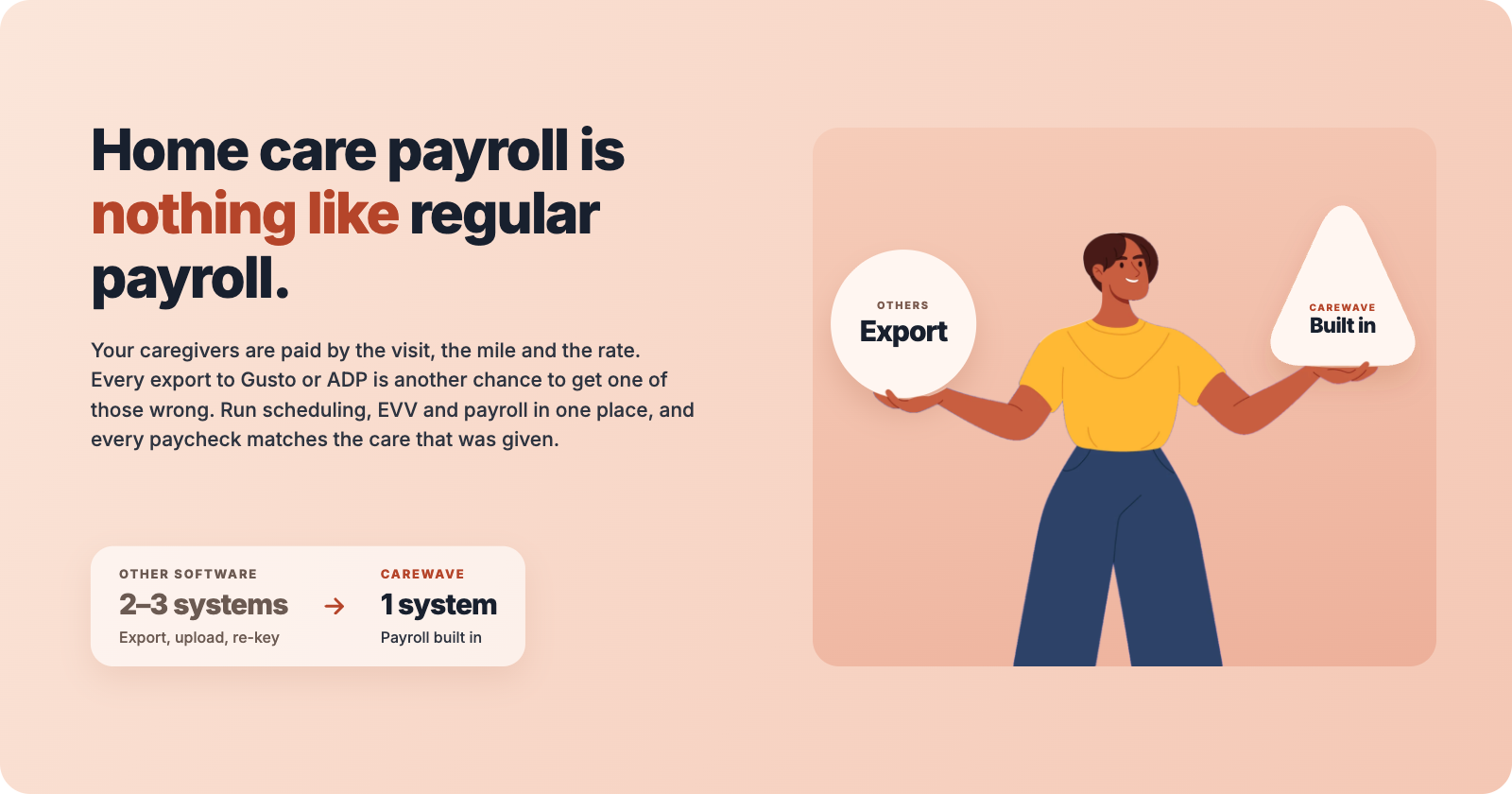
Payroll export. The software totals approved hours and produces a file formatted for one or more payroll providers. You still pay for, log into and run the payroll provider separately.
Payroll integration. The software pushes hours to the payroll provider through a connection instead of a file. Less typing, but still two systems, two logins, two bills, and two places where rates and employee records live.
Native payroll. The pay run happens inside the care platform. You approve the period there, caregivers are paid by direct deposit from there, and payroll taxes are withheld and filed from there. Pay stubs show up where caregivers already clock in.
Only the third is payroll in the sense an agency owner means. The first two are reporting with a hand-off.
Why the hand-off is where the errors live
Every visit in a home care agency is verified once, by EVV, at the client's door. In an export setup, that same visit then gets re-represented at least twice: once in the export file and again in the payroll provider. Each copy is a chance to drift.
Common ways it goes wrong:
Rates don't travel. A caregiver's weekend rate, Medicaid rate and private-pay rate exist in the care software. The payroll provider often sees one hourly rate, or a pile of earnings codes someone has to map by hand.
Overtime gets recalculated wrong. When hours at several rates arrive as totals, the payroll provider can't compute a correct blended regular rate unless someone sets it up precisely, and keeps it set up as rates change.
Travel time and mileage fall through. If the export only carries visit hours, the drive time between clients has to be added somewhere. Often it is added late, or not at all.
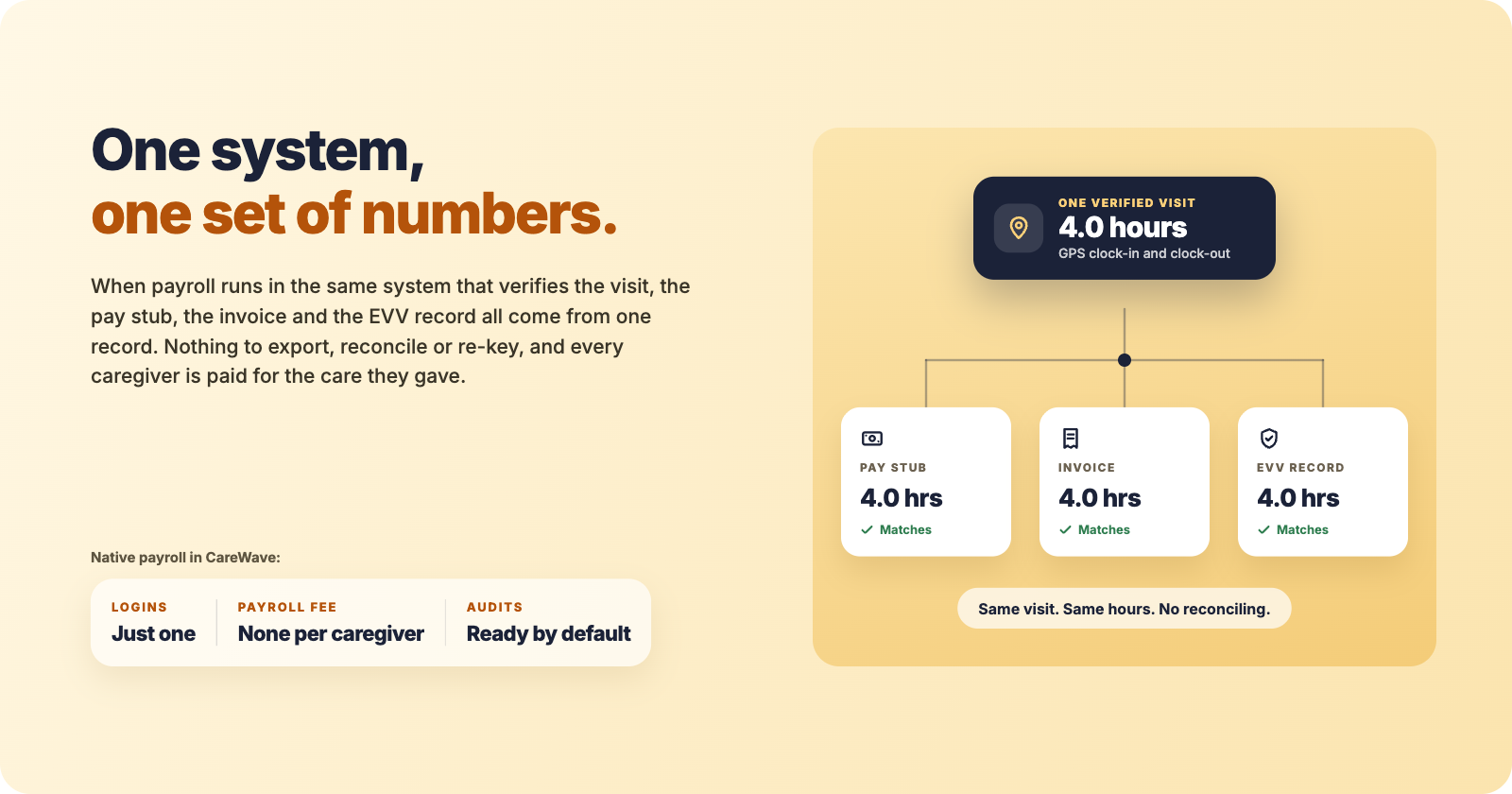
Late edits don't sync. A visit corrected after the export went out is now right in one system and wrong in the other. Your pay stub, your invoice and your EVV record no longer agree.
Two sets of employee records. New hires, terminations, address changes and direct deposit updates now have to be made twice.
None of this is a knock on Gusto or ADP. They are good at running payroll for businesses whose hours are simple. Home care hours are not simple, and the knowledge of how a caregiver should be paid lives in the care software, not in the payroll company.
The hidden cost: you're paying twice
Export-based payroll also means two subscriptions. Many payroll providers charge a monthly base fee plus a fee per employee paid. Home care agencies employ a lot of part-time, high-turnover hourly workers, which is exactly the profile that makes per-employee pricing expensive.
Then add the staff time. Someone spends hours every pay period moving data between systems, reconciling differences and answering "my check is short" calls. That time is real payroll cost, even though it never shows up on an invoice.
How to tell real built-in payroll from an export button
Ask any vendor these questions on a demo, and ask them to show you, not tell you:
Can you run a full pay period on screen, from approved visits to direct deposit, without leaving your software?
Who withholds and files federal, state and local payroll taxes, and do I need a separate account for that?
Do caregivers get pay stubs and W-2s inside the same app they clock in with?
Is there a separate payroll subscription or per-employee payroll fee from another company?
How are multiple pay rates, overtime across rates, travel time and mileage calculated, and where?
If I edit a visit after payroll is approved, what happens to the pay stub and the invoice?
Does any part of the process involve downloading, uploading or mapping a file?
If the honest answers involve another login, another bill, or a file, the software has a payroll export, not payroll.
What agencies should expect instead
The visit data, the rates and the rules for paying caregivers already live in your care platform. Payroll belongs there too. In our final article we look at what changes when it does: One System, One Set of Numbers: Native Payroll for Home Care.