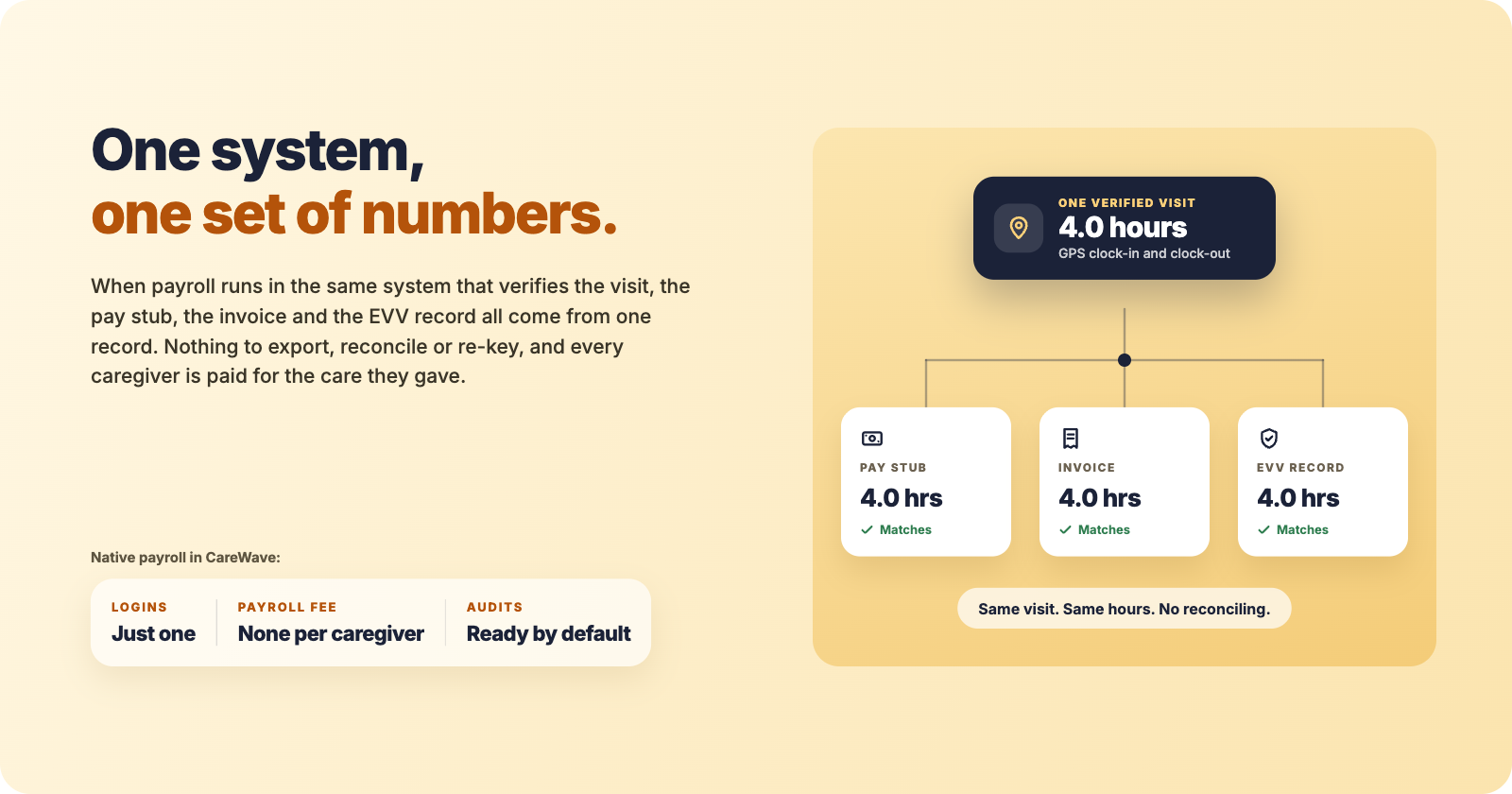
Healthcare runs on verified records. A visit happened, at this address, for this long, by this caregiver. In home care, that one fact drives three things: what you bill, what you pay, and what you show an auditor.
When all three come from the same record in the same system, they agree by design. When they come from copies in different systems, they agree only when someone makes them agree. That is the whole case for native payroll.
Export payroll vs. native payroll at a glance
| Care software + separate payroll provider | CareWave with payroll built in | |
|---|---|---|
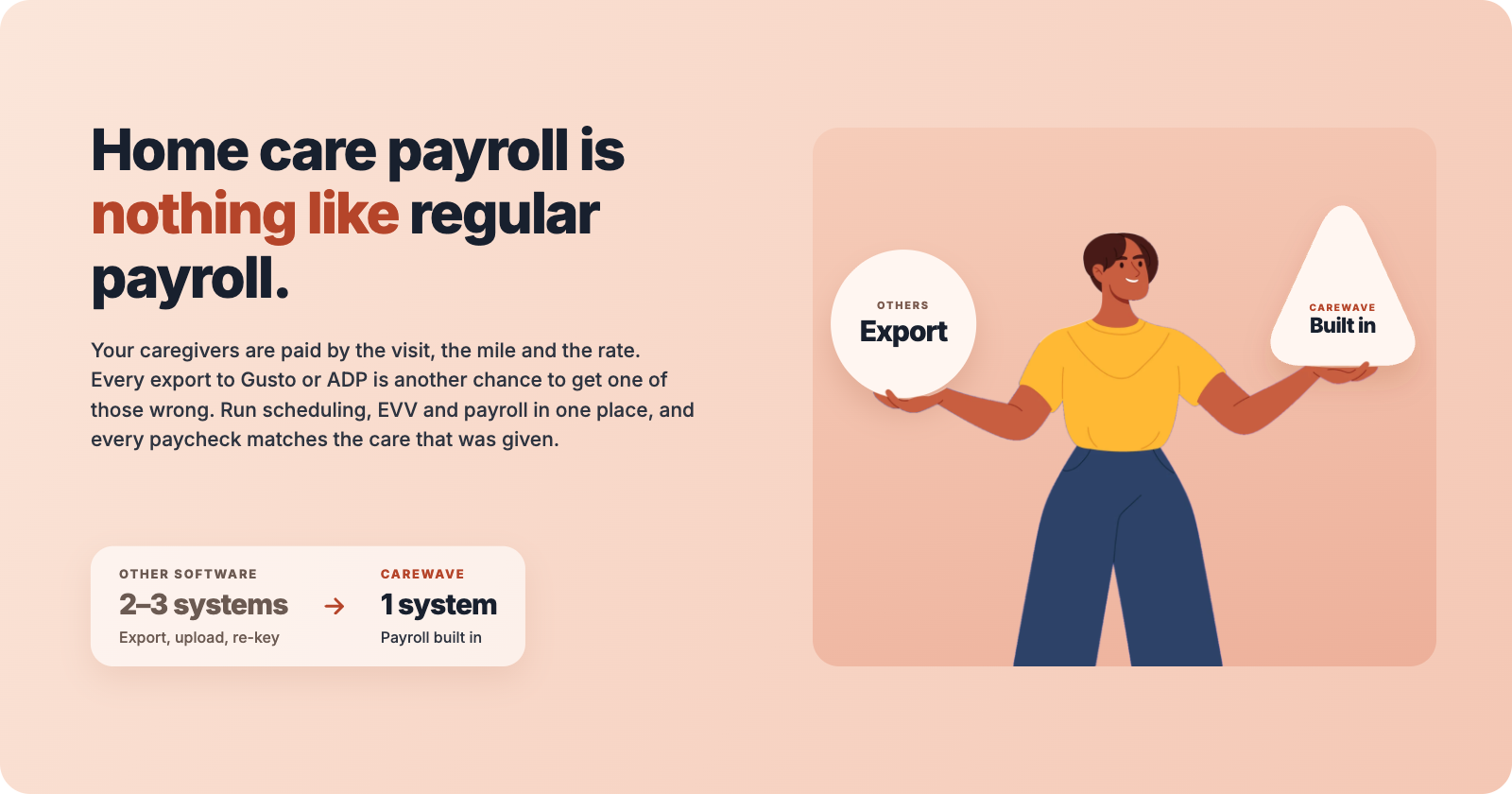
| Where the pay run happens | In a second system, after an export or sync | Inside CareWave, from approved visits |
| Logins and subscriptions | Two of each | One |
| Caregiver rates and overtime | Re-mapped in the payroll tool | Applied from the rates already in CareWave |
| Direct deposit and tax filing | Payroll provider | Inside CareWave |
| Pay stubs | Payroll provider's portal | The caregiver's CareWave app |
| Invoice vs. paycheck vs. EVV | Three records to reconcile | One verified visit behind all three |
| Per-caregiver payroll fee | Common | None |
Five benefits of payroll inside your care platform
1. Fewer pay errors, fewer resignations. Every hour on the pay stub traces back to a GPS-verified clock-in and clock-out. Rates, overtime and mileage are applied to that record directly, so nobody is re-typing hours or mapping earnings codes. Fewer short checks means fewer caregivers deciding your agency isn't worth the hassle.
2. Audit-ready by default. Medicaid, managed care plans, the VA and long-term care insurers all want proof that billed hours were real. When the invoice line, the EVV record and the pay stub come from the same visit, an auditor can follow any dollar from the claim to the caregiver's bank account without a reconciliation spreadsheet.
3. Billed hours match paid hours. Invoices and payroll draw on the same verified visits. If a visit is shortened, both change. That closes the most common gap between revenue and labor cost, and it makes reports like caregiver wages as a share of Medicaid revenue far easier to produce as pass-through requirements spread.
4. Lower total cost. One platform replaces the scheduler, the EVV vendor, the invoicing tool and the payroll subscription. CareWave includes payroll in every plan, with flat monthly pricing starting at $499 and no per-caregiver payroll fee. For agencies with a large part-time workforce, dropping per-employee payroll charges alone can be significant.
5. Hours back for the office. No CSV downloads, no uploads, no second login, no chasing mismatched rows. The time your coordinator spent on payroll goes back to filling shifts, onboarding caregivers and talking to families.
How CareWave payroll actually works
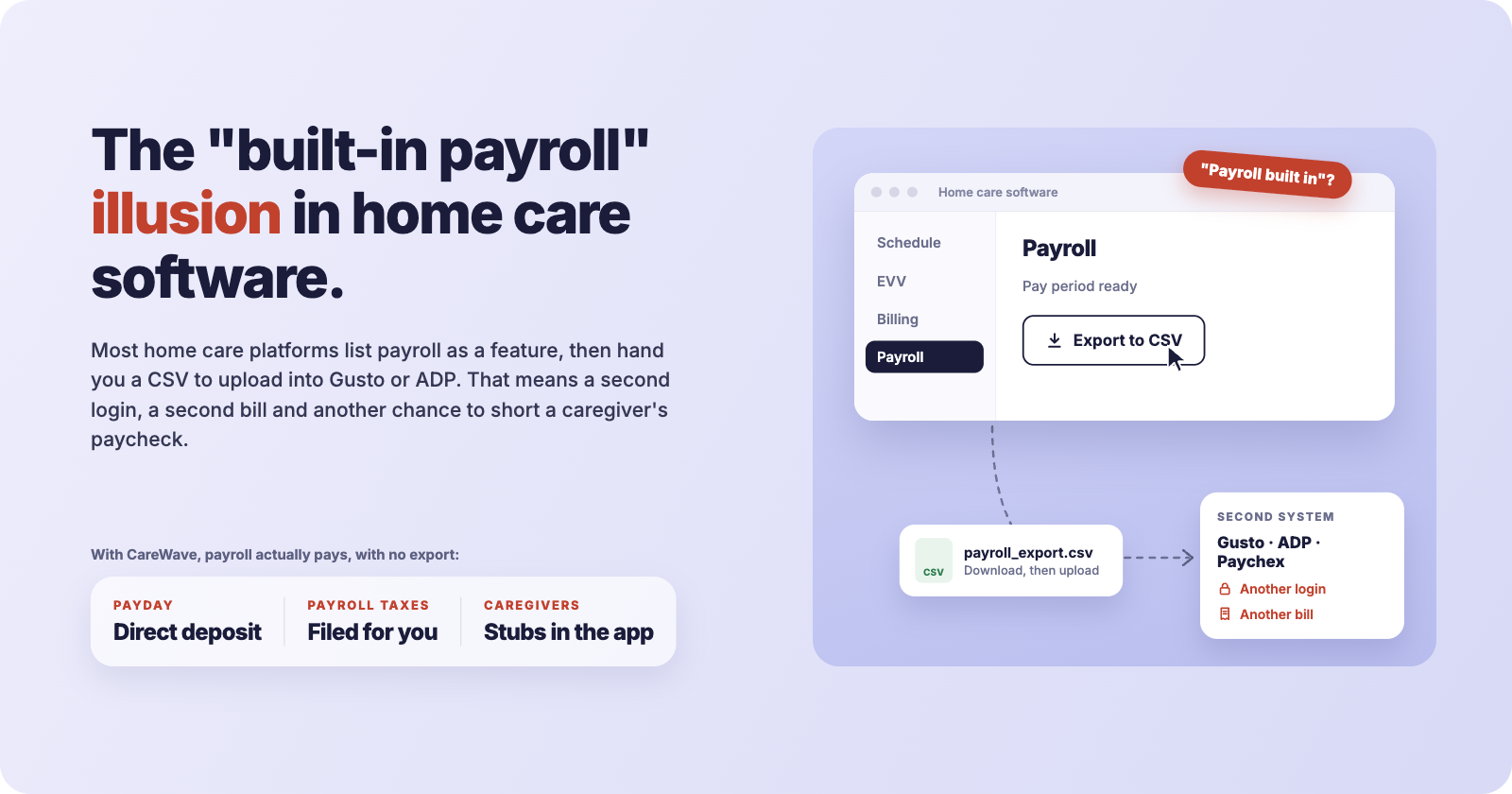
CareWave runs payroll processing and tax filing through its embedded payroll partner, Rollfi, a Priority company. The difference from an export is that you never leave CareWave: there is no file, no separate account to manage and no second set of employee records.
- Caregivers clock in and out from the CareWave app. Each visit is GPS-verified and formatted for your state's EVV aggregator.
- At the end of the period, CareWave applies each caregiver's rates, overtime, mileage and deductions to those verified hours.
- You review the pay period on one screen and approve it.
- Caregivers are paid by direct deposit. Federal, state and local payroll taxes are withheld and filed.
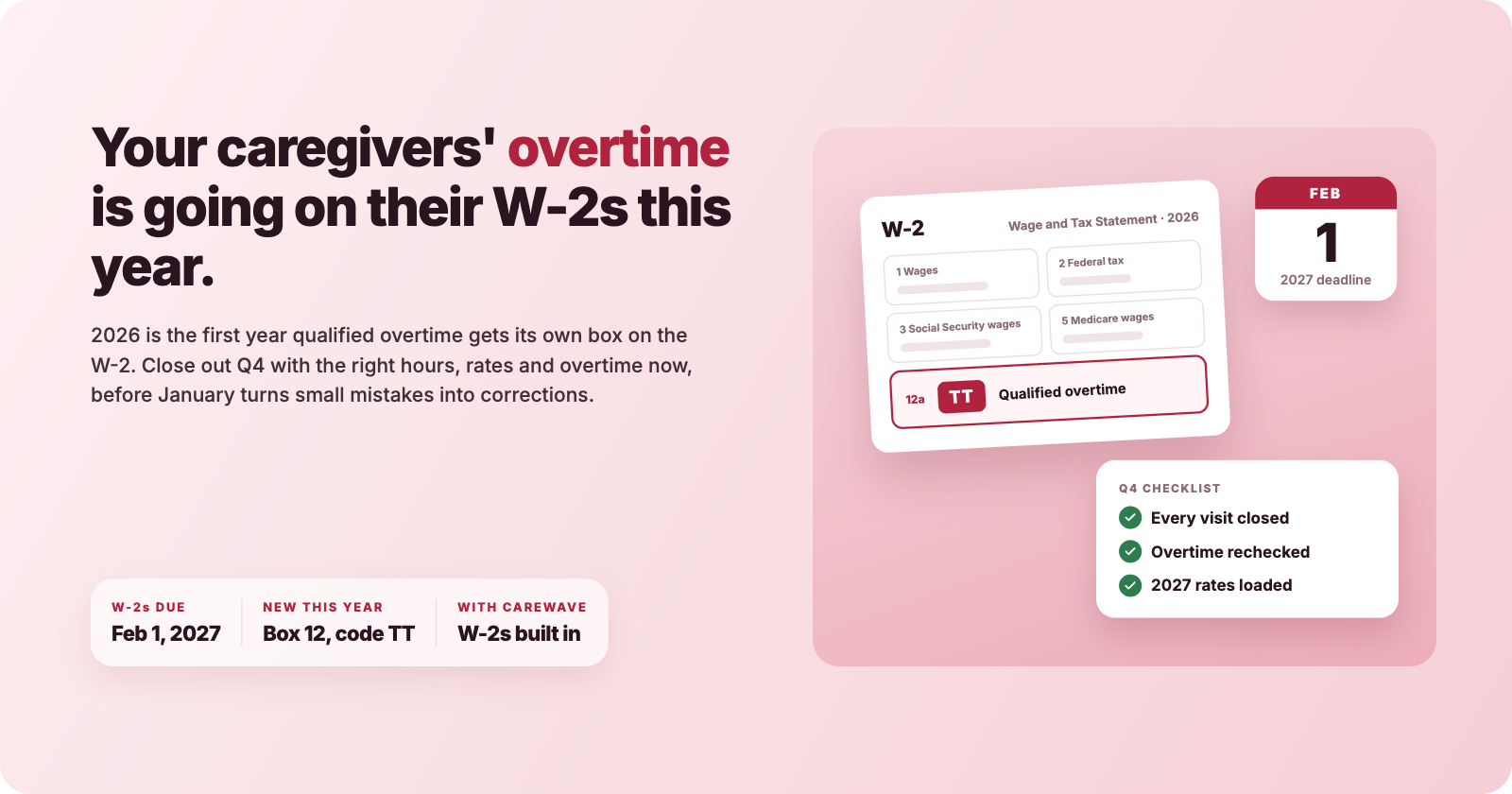
- Pay stubs appear in each caregiver's CareWave app. W-2s and 1099s are produced at year end.
- Invoices for private pay, Medicaid, VA and long-term care insurance are built from the same visits, and private-pay clients can pay online by card or bank.
How to get the most out of CareWave payroll
- Set up rates once, carefully. Enter each caregiver's pay rates and each client's bill rates by service and payer during onboarding. Everything downstream depends on them, and you won't have to maintain them in a second system.
- Make the caregiver app the only time clock. Retire paper timesheets and phone-in hours. If every hour comes through EVV, every hour on the pay stub is defensible.
- Approve visits as you go. Review exceptions such as late clock-outs or missed visits during the week, not on payroll day. Pay runs become a quick check instead of a cleanup.
- Watch overtime before it happens. Use the Monday Wave Digest to spot overtime risk early and rebalance the schedule while it's still cheap to do so.
- Tell caregivers where their stubs are. Pay stubs in the same app they clock in with cut "where's my check" calls to the office.
- Run your first pay period on a demo. Book a 30-minute demo and ask the team to run a full pay period, from clock-in to direct deposit, using scenarios from your agency.
The one-system agency
Home care is a healthcare business, and healthcare businesses can't afford three versions of the truth. Payroll that lives in the same system as your schedule, your EVV and your invoices is how you get one.
See a real pay run on your own caseload. Start a free trial or book a demo.